
OpenVPN List
OpenVPN maintains quality by testing every public server at minute-level intervals, listing only those that meet our performance and reliability standards.
Picking an OpenVPN server
Choose servers that show recent checks and low response times to improve reliability. For everyday browsing prefer geographically closer servers to reduce latency. If you need a specific region for testing or content access, select the matching country but expect higher response times for distant nodes.
Before connecting: download the .ovpn, inspect it briefly for any notes or custom ports, and import into your client. If your ISP blocks typical VPN ports, try switching UDP/TCP settings in the client or select a server using a commonly open port (443). Always verify connection status and IP after connecting.
Latest Blog Posts

Understanding Reverse Proxies and Their ...
We start by explaining what reverse proxies are and why they’re important. A reverse proxy sits between users and ...
Admin
February 23, 2026

Using Proxies with Selenium for Automate...
We use proxies, especially rotating ones, to boost Selenium-driven automated browser testing. This is key for high-volum...
Admin
February 23, 2026

How to Scrape Google Search Results Safe...
We want to teach you how to scrape Google safely and responsibly. We’ll show you how to use anonymous proxies to d...
Admin
February 23, 2026
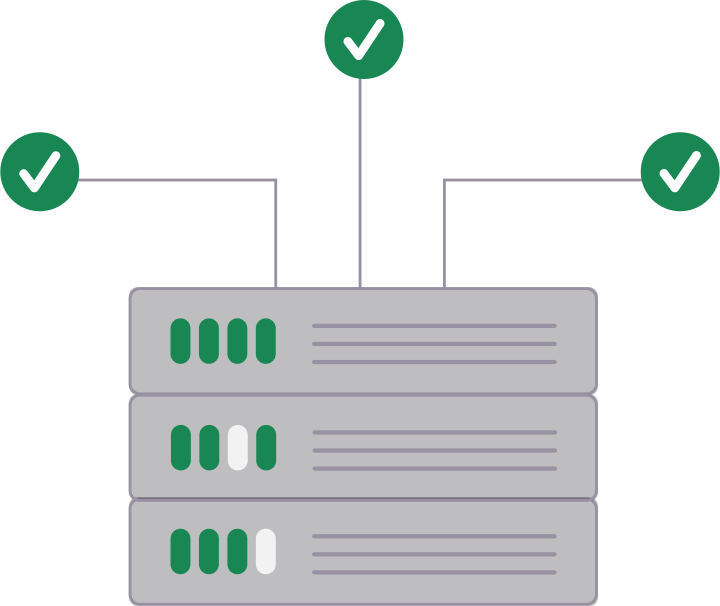
Always Fresh & Verified
Our system automatically checks and updates every node within minutes, ensuring you only see active, high-speed servers with zero downtime.

Realtime testing
Uptime monitoring
Performance verification